No filter bubble
We don’t build a profile of what you like. Everyone gets the same honest results, ranked only by how well they match the search.
Private search engine
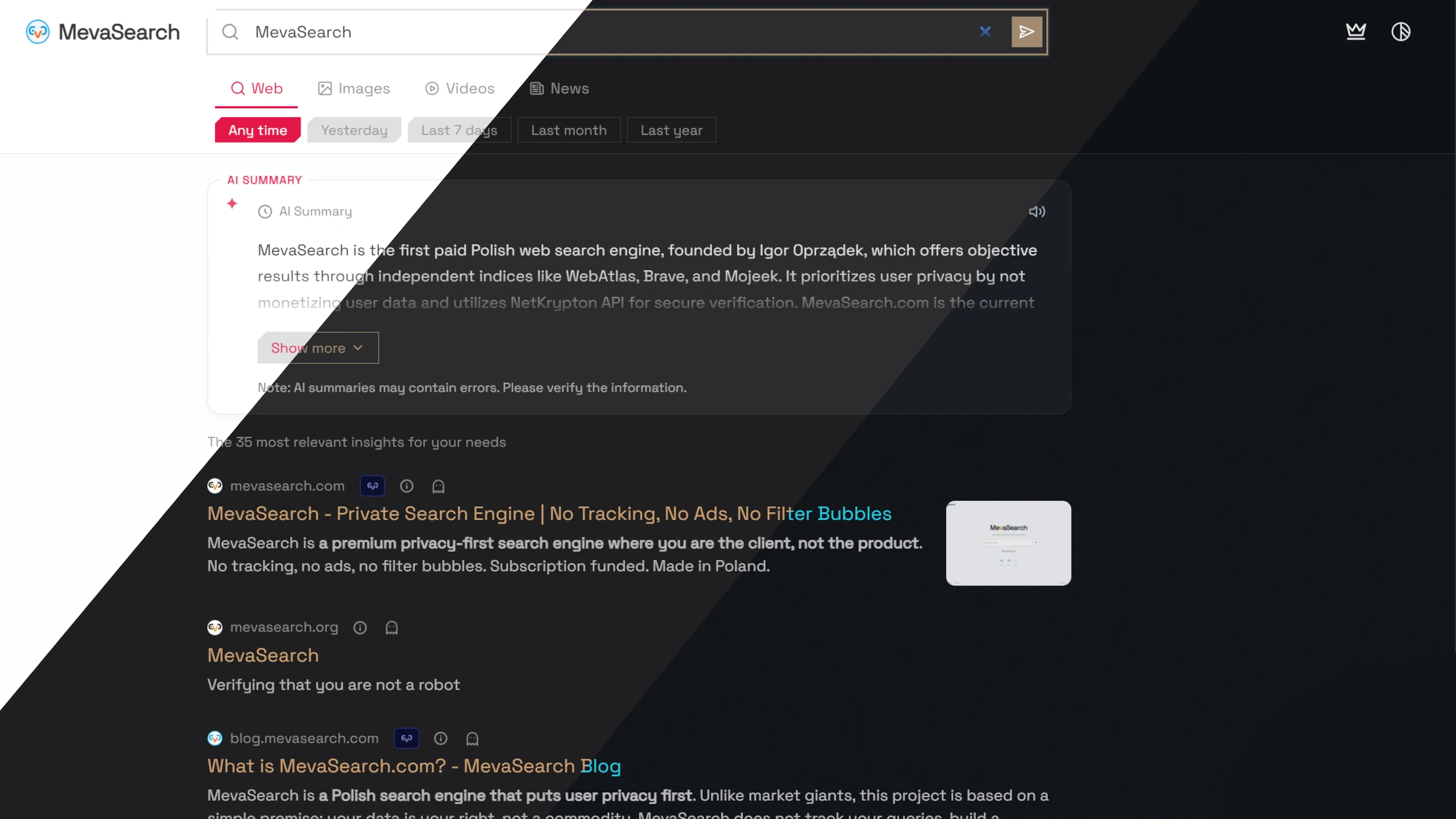
With MevaSearch you pay a small subscription instead of paying with your data. We don’t track your searches, we don’t show ads, and we don’t tailor results to what we think you want to see.
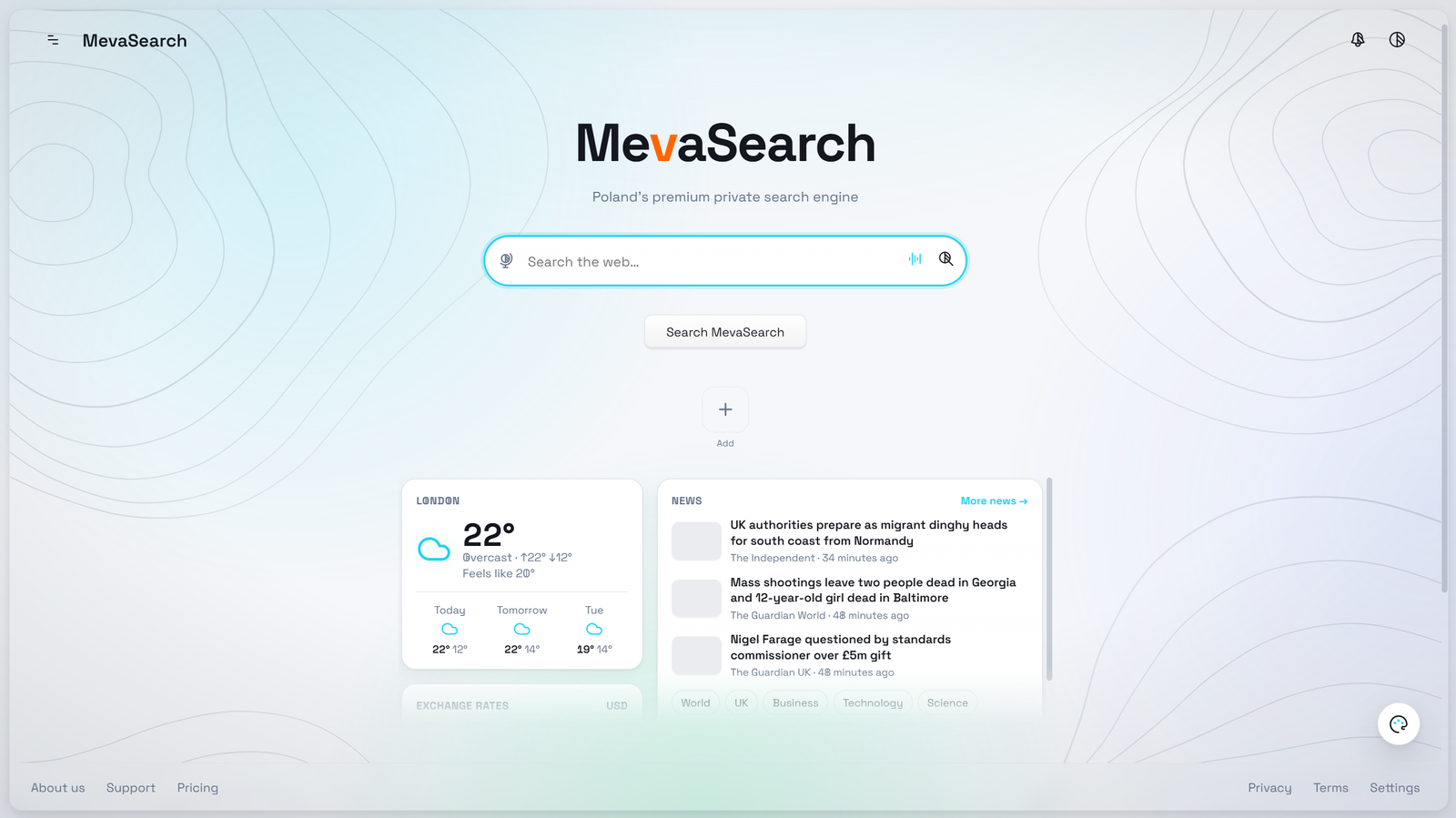
A short look at searching with MevaSearch
Why MevaSearch
We don’t build a profile of what you like. Everyone gets the same honest results, ranked only by how well they match the search.
NetKrypton, our own protection system, checks results as they load and warns you about phishing and dangerous sites before you click.
Your subscription pays for the service, so we have no reason to track you or sell ads.
Results come from our independent WebAtlas index together with Brave Search and Mojeek, so you see a wide, uncensored picture of the web.
Turn on short AI summaries to get the gist of a topic faster. You can switch them off at any time.
MevaSearch is built in Poland. Our servers and your data are kept in Lithuania and France.
Family and teams
Everyone gets their own profile and login, so nobody has to share a password. Profiles use the searches from your plan, which means no extra accounts to pay for. Turn on Kids Mode for children, make a profile for work, or set up several for a whole team. How many profiles you can add depends on your plan.
Make it yours
Almost everything in MevaSearch can be changed: what you see in the results, privacy options, colors, fonts and extra tools.
Our story
MevaSearch started in 2025 because we were tired of being watched every time we searched. To build something truly private, we decided not to depend on the big tech companies at all.
Pricing
Pick the plan that fits how much you search.
Private search with a little AI help.
A good fit for everyday searching.
More searches, more AI and extra tools.
The most searches and AI for heavy users.
The Lite plan comes with a free 3-day trial.
Try MevaSearch free for 3 days and see the difference for yourself.
Start your free trialReviews
Read reviews from real users, or leave one of your own.